
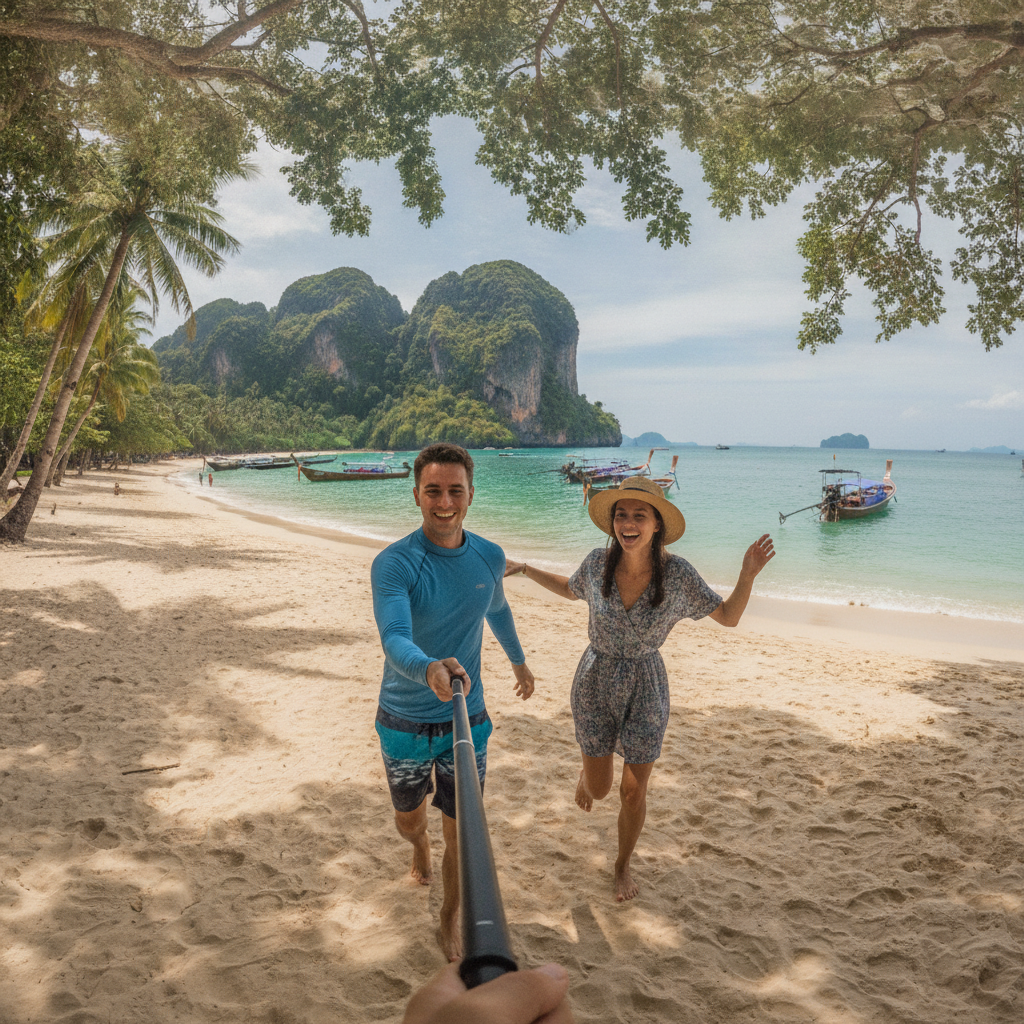
Phuket offers plenty worth filming: coral gardens, island crossings, lively markets, and sunsets over the Andaman Sea. A GoPro captures those experiences while you swim, ride, or explore with your hands free. Its compact size, wide-angle perspective, and smooth stabilization make it a great companion for adventures between beaches, boats, and town.
The best setup starts with your itinerary. A few snorkeling sessions call for a lighter kit than dedicated diving days or filming an entire holiday. This guide brings together camera choices, essential accessories, buying and rental options, practical settings, seasonal inspiration, and simple care routines to help you bring home memorable footage.
Choosing the Right GoPro for Your Phuket Adventure
Choose a camera around the stories you want to tell. Traditional action footage, immersive 360-degree scenes, and high-resolution video each offer a different way to capture your trip.
- GoPro Hero 13 Black: This versatile camera is an excellent all-rounder for beach outings, water sports, and everyday travel footage. Its stabilization keeps action looking smooth.
- GoPro Mission 1 Pro: With 8K/60 video and a 1-inch sensor, this camera suits travelers who want detailed images and creative flexibility when editing their adventures.
- GoPro Max 2: It captures 8K 360 video so you can choose your framing afterward. It also offers 4K single-lens recording and replaceable lenses.
- GoPro Hero 2024: A compact, straightforward choice for travelers who want an easy way to record beach days, sightseeing, and spontaneous holiday moments.
Build your budget around the camera and the accessories you will use most. For underwater adventures, prioritize protection, flotation, and storage. For full-day exploring, extra power keeps you filming from the morning boat ride to sunset.
Essential Accessories for Your GoPro in Phuket
A well-chosen accessory kit keeps your camera protected and ready for action. Use this comparison to match your gear to your activities.
| Accessory | Primary Season | Key Activities | Importance | Planning Note | Notes |
|---|---|---|---|---|---|
| Waterproof Housing | Wet/Dry | Diving, snorkeling, island hopping | Essential for deeper dives | Included in the rental package below | GoPro’s compatible Protective Housing for HERO12/13 Black is rated to 60m and protects against mud and debris. The rental operator below lists a 40m housing; check the rating of the housing you use. |
| Floating Grip or Handle and Wrist Strap | Wet/Dry | Swimming, snorkeling, boating | Essential | Floating stick included in the rental below | A compatible floating grip helps keep the camera afloat. Check that it supports your complete setup, including the housing. A wrist strap helps keep it close. |
| Dive Filters | Wet/Dry | Underwater filming | Useful for underwater color | Match the filter to your housing and water conditions | Red filters suit blue water, magenta filters suit green water, and snorkel filters suit shallower water. Follow the depth guidance for your specific filter. |
| Anti-Fog Inserts | Wet/Dry | Filming in humid conditions with a housing | Highly recommended | Check housing compatibility | Help prevent condensation inside the housing. GoPro Anti-Fog Inserts can be dried and reused up to four times; follow the manufacturer’s drying instructions. |
| Extra Batteries and Portable Power Bank | Dry/Wet | Full-day excursions, remote locations | Essential for extended shooting | Check battery and charger compatibility | Pack spare batteries if your camera has a removable battery, or plan charging breaks with a compatible portable power bank. Keep charging connections dry. |
| High-Speed MicroSD Card | Dry/Wet | All filming, especially 4K | Essential | Check GoPro’s recommendations for your model | For HERO13 Black, GoPro specifies a brand-name microSD card rated V30 or UHS-3 or higher. Choose capacity around your recording plans and transfer footage regularly. |
Head straps and chest mounts add hands-free perspectives, bringing viewers into the action as you explore. Set the angle before heading out so your footage captures the scenery and movement you want. Discover places to film on a Phuket island tour.
Buy Before Traveling, Buy Locally, or Rent?
Buy before departure when you plan to use your camera throughout the holiday or need specialized accessories such as dive filters, housings, and mounts. Having everything at home gives you time to assemble your kit, learn the controls, and practice underwater settings before your first excursion.
Buy locally for common accessories and replacements during your stay. BIG Camera and Banana IT are useful retailers to visit, with shopping options around Central Phuket Floresta. Local dive shops also offer a convenient route to underwater equipment. Take your camera along to match accessories easily.
Rent for occasional adventures if you only need a camera for a snorkeling trip or a few diving days. SSS Phuket Dive Center offers a GoPro Hero 12 Black Edition for rent, including a 64GB SD card, one battery, a floating stick, and a diving housing. It is a practical package for getting straight into underwater filming without purchasing a full setup.
Collect your rental with time to learn the controls and record a practice clip. Transfer your footage before returning the camera so your island memories are ready to take home.
Mastering Your GoPro Settings for Phuket’s Waters
The right settings bring out the movement and color of Phuket’s underwater world. Set up your camera before entering the water so you can concentrate on the experience. The starting settings below suit HERO13 Black; available controls vary by model.
Resolution and Frame Rate
Start with 4K at 60fps and the Wide digital lens for underwater video. This also gives you flexibility for slow-motion edits. In darker water, underwater video lights can help illuminate nearby subjects.
Stabilization
Enable HyperSmooth to keep handheld footage steady while swimming or filming from a moving boat. Pair it with slow, deliberate camera movements and relaxed pans for smooth views of reefs, coastlines, and passing scenery.
Color and White Balance
Auto White Balance is a useful underwater starting point. Use manual white balance only when you understand the lighting and have tested the result; there is no single Kelvin range for every depth and scene. On HERO13 Black, Standard is the video profile, while Natural is a separate Color setting.
ISO and Sharpness
For HERO13 Black, start with Auto ISO Min and Max and Low sharpness, following Backscatter’s underwater recommendations. Low sharpness also leaves room to sharpen footage during editing.
Underwater settings: Share straight away or edit later
Share straight away: Use Natural color for clips that need little color adjustment. Edit later: Choose Flat, where available, for a neutral starting point for color grading. Use Low sharpness and enable 10-bit recording in a supported mode for more color information; 10-bit is useful beyond an editing-only setup.
Create presets and set Protune before entering the water. On HERO13 Black in its Protective Housing, the touchscreen is inaccessible, but the buttons still work. Hold Mode, then press Record to open the preset menu; use Mode to cycle and Record to select. Practice this before your dive.
Capturing Phuket Through the Seasons
Dry Season: November to April
Phuket’s dry season generally brings calmer seas and opportunities for snorkeling, diving, and island hopping, though conditions vary by day. Capture bright underwater scenes, sweeping coastal views, and the excitement of arriving at a new beach on a Phuket Island Tour.
Build a travel story with a mix of wide scenery, close-up details, and action. Film the departure, islands appearing on the horizon, your favorite activity, and the return journey. Short, purposeful clips make it easier to create an engaging holiday video.
Rainy Season: May to October
The rainy season brings dramatic skies, lush scenery, and fresh filming opportunities. Keep your waterproof housing and anti-fog inserts ready for tropical showers. Plan sea excursions around local conditions and use breaks in the weather to capture changing light over the coast.
Check locally whether conditions and current itineraries allow snorkeling around Maiton Island, or add creative indoor experiences to your itinerary. A Phuket batik class offers colorful details and hands-on moments, while a Phuket activity brings everyone into the story.
Planning the best way to travel around Phuket helps you fit filming stops comfortably into each day, leaving more time to enjoy the places you visit.
Care and Maintenance After Each Outing
Rinse the closed camera, housing, and washable accessories with fresh water after saltwater use, following their care instructions. Remove sand and debris from the exterior.
Dry everything thoroughly before opening compartments. Keep seals clean and store your equipment in a dry place. An evening routine of cleaning lenses, charging batteries, and preparing a memory card with space available gets your kit ready for the next morning’s adventure.
Organizing Footage with the GoPro Quik App
The GoPro Quik app makes it easy to review clips and turn favorite moments into highlights with music and simple edits. Transfer footage after each outing and organize it by day or destination so the best scenes are easy to find.
A GoPro Premium subscription includes automatic cloud backup. Set up Auto Upload with a compatible camera, power connection, and Wi-Fi network. Confirm that your footage has uploaded before deleting anything from the memory card.
Conclusion: Bring a Kit That Fits Your Plans
Choose a camera you enjoy using, match accessories to your activities, and decide whether buying or renting suits your itinerary. With practical settings, enough storage, and power for a full day, you are ready to capture Phuket’s coral gardens, island scenery, and spontaneous holiday moments.
Frequently Asked Questions
Is my GoPro waterproof enough for snorkeling in Phuket?
The GoPro Hero 12 Black is waterproof up to 10 meters (33 feet) with its door properly closed and seals clean. GoPro’s compatible Protective Housing is rated to 60m; the SSS rental housing is listed at 40m. Check your exact camera and housing ratings before entering the water.
What are the best settings for underwater video in Phuket?
For HERO13 Black, start with 4K at 60fps, Wide lens, HyperSmooth, Standard profile, Natural color, Auto White Balance, Auto ISO Min and Max, Low sharpness, and 10-bit recording. Use Flat color if you plan to color grade. Set up presets before entering the water; available settings vary by model.
Can I buy GoPro accessories in Phuket, or should I bring them from home?
Bring specialized housings, filters, and mounts from home so you can practice before traveling. Buy common accessories locally at BIG Camera or Banana IT, including shopping options around Central Phuket Floresta. For occasional use, SSS Phuket Dive Center rents a Hero 12 Black package; check availability before you book.
What type of microSD card is best for shooting 4K video?
For HERO13 Black, use a brand-name microSD card rated V30 or UHS-3 or higher, following GoPro’s model-specific recommendations. Choose capacity around how much you plan to film and how often you can transfer footage.